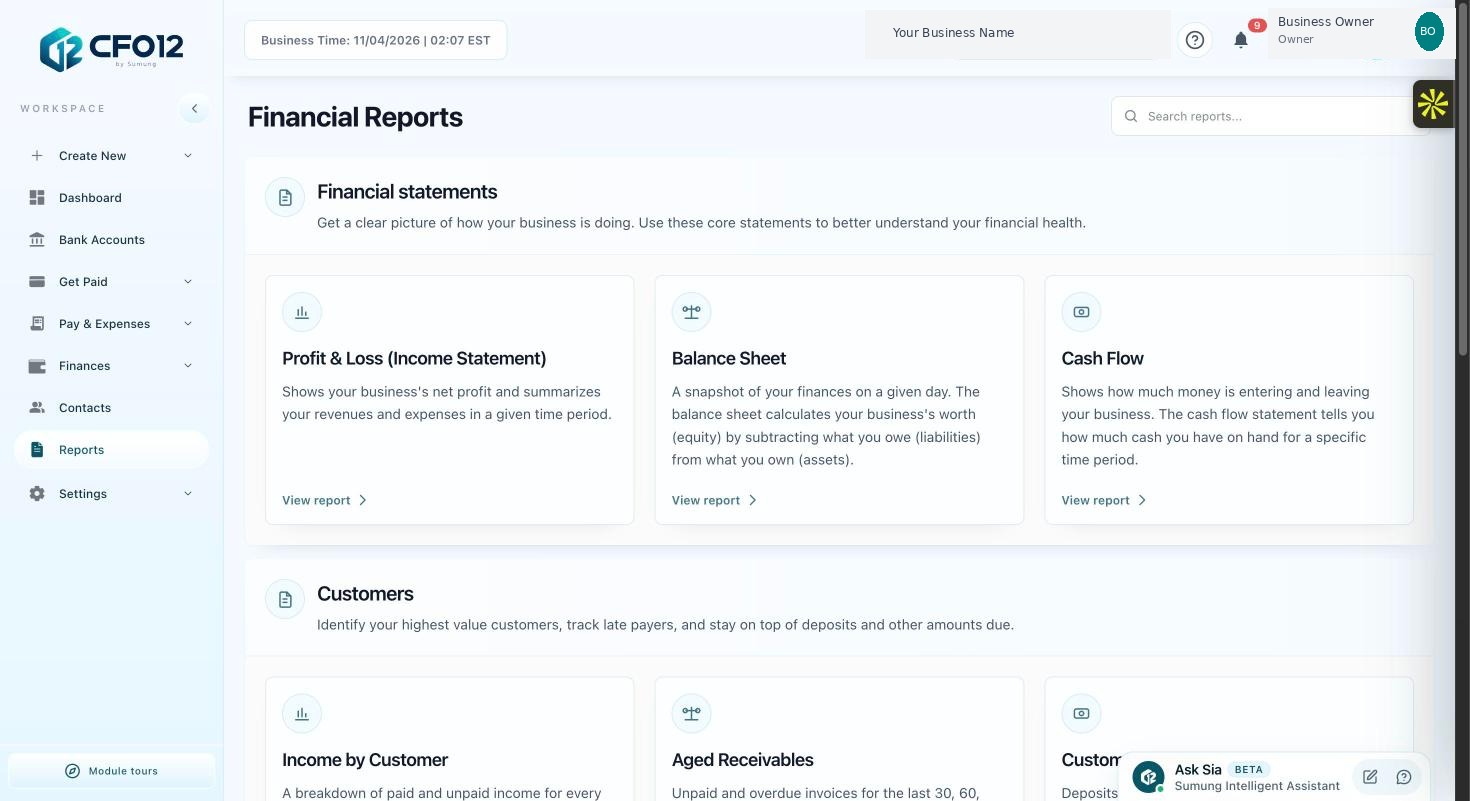
The Cash Flow shows how much cash moved in and out of your business during a period.
What You Can Do
- Go to Reports and click Cash Flow.
- Set the date range for the report.
- The report shows cash movements grouped by activity type.
- Net Cash shows whether your cash position increased or decreased for the period.
- Export for your accountant or bank.
💡 Cash Flow and Profit & Loss are different. A profitable business can still have cash flow problems.
Related Articles
- What Does the Cash Flow Show?
- How to Run the Profit & Loss Report
- Overview of Reports
Was this article helpful?
Your feedback helps us improve our documentation.