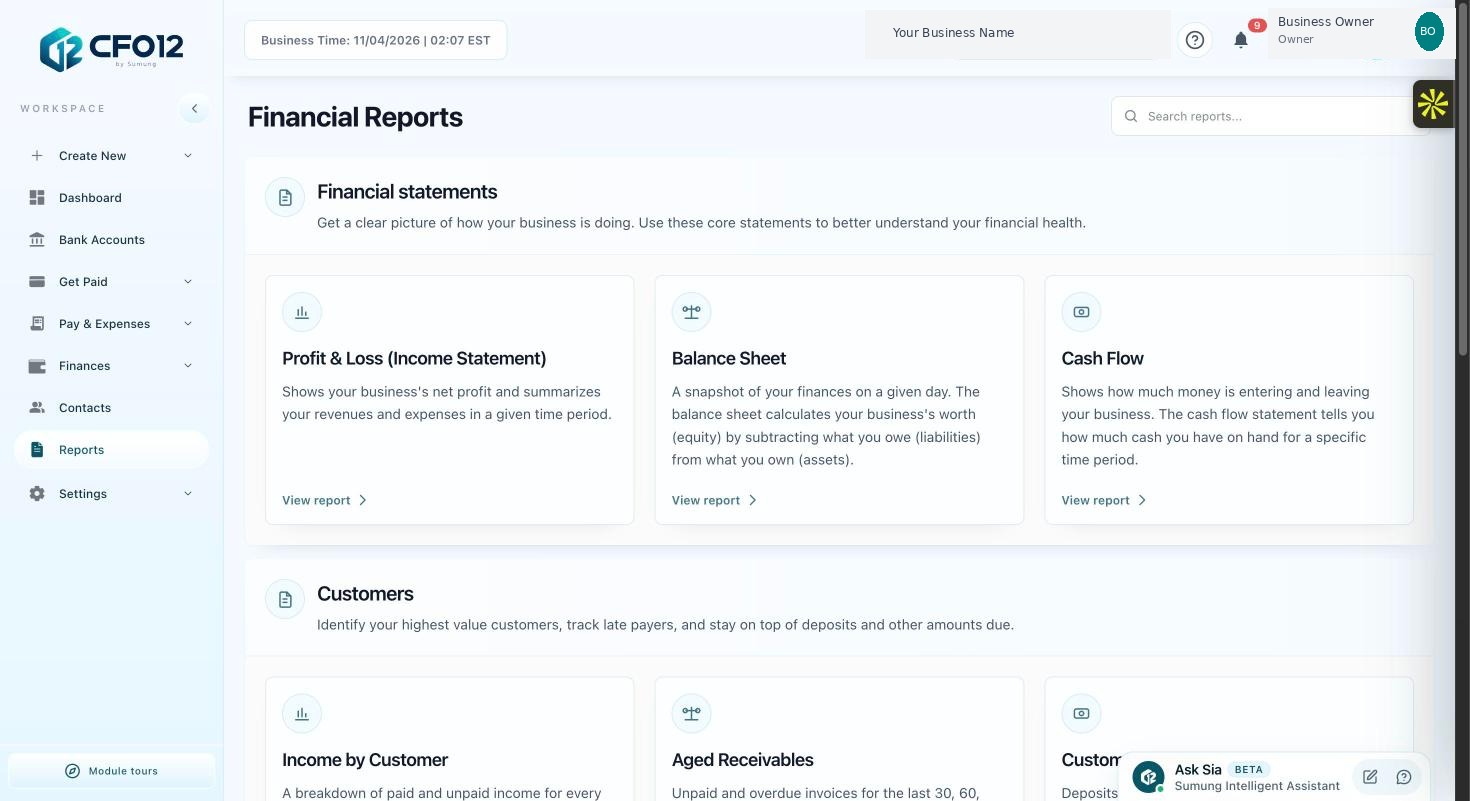
The Income by Customer report gives you a clear view of how much revenue each customer has generated.
What You Can Do
- Go to Reports and click Income by Customer.
- Set the date range to the current period.
- The report displays each customer with their total income for the period.
- Identify customers generating the most revenue.
- Use this information to focus account management and growth efforts.
💡 Reviewing Income by Customer regularly helps you understand which customers drive your business and where to focus attention.
Related Articles
Was this article helpful?
Your feedback helps us improve our documentation.