The Receipts section in CFO12 is where you manage expense receipts and uploaded files for your business.
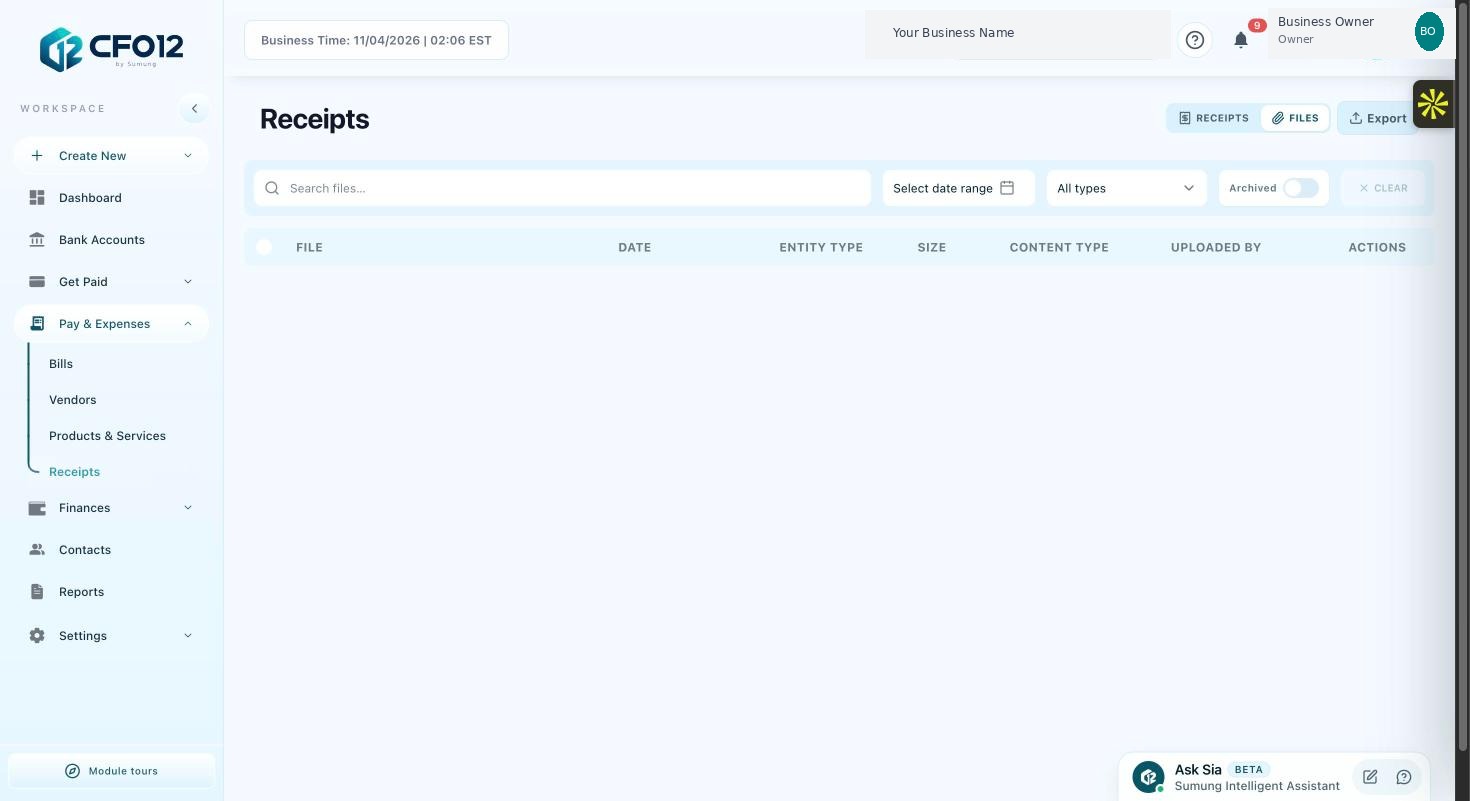
What You Can Do
- Go to Pay & Expenses > Receipts to open the Receipts section.
- Use the RECEIPTS tab to view receipts you have uploaded.
- Click any receipt in the RECEIPTS tab to view its details.
- Use the FILES tab to see all uploaded files associated with your receipts.
- Create a new receipt by clicking Create New > New Receipt from the top of the sidebar.
💡 Tip: Keep your receipts up to date to maintain an accurate record of your business expenses.
Related Articles
- How to Upload a Receipt
- How to Access the Receipts Section
- How to Navigate Between the RECEIPTS and FILES Tabs
Was this article helpful?
Your feedback helps us improve our documentation.