Integrating receipts into your regular accounting workflow keeps your books complete and audit-ready.
What You Can Do
- Upload receipts as expenses occur.
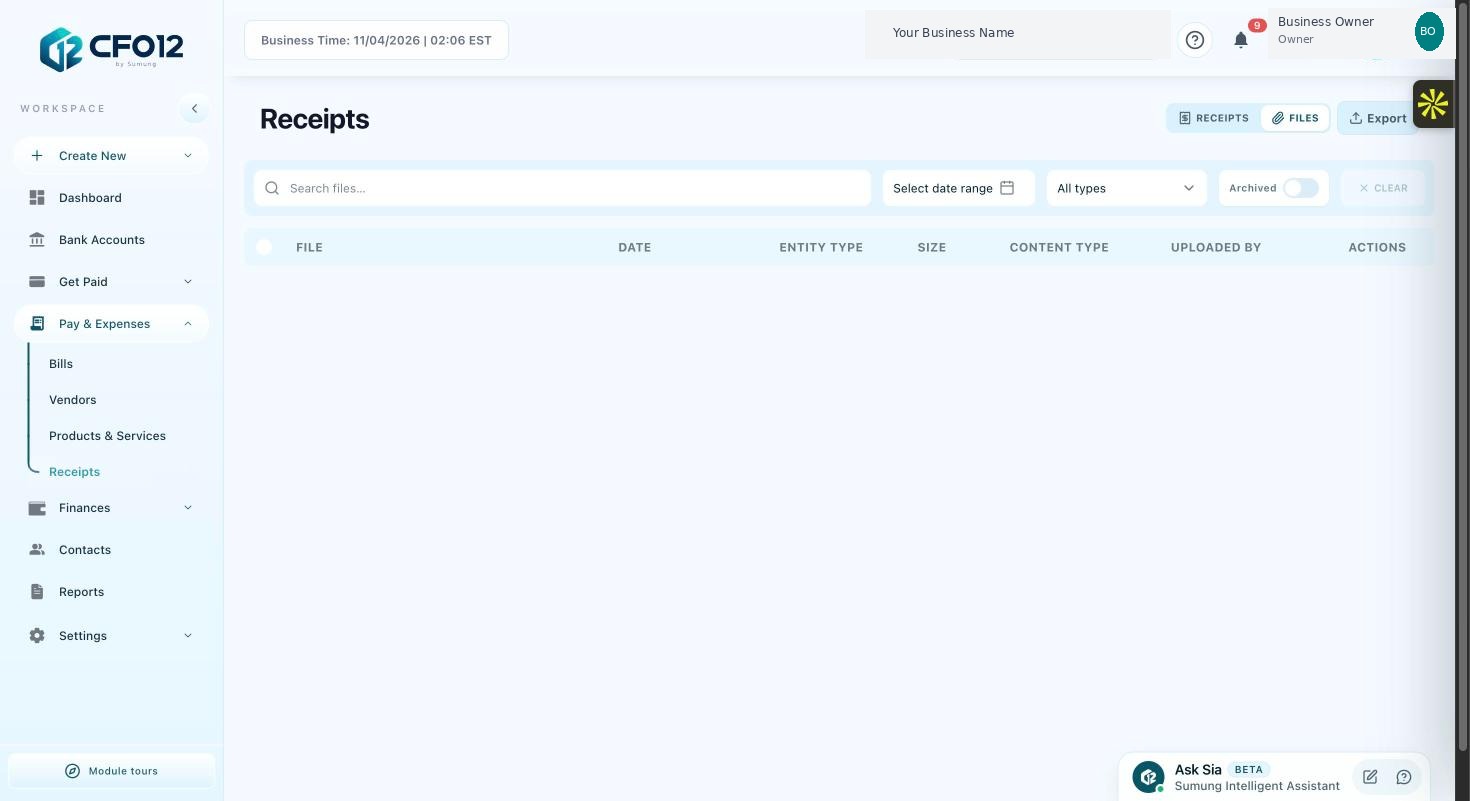
- Go to Pay & Expenses > Receipts to access your receipt records.
- Review the RECEIPTS and FILES tabs to ensure your records are complete.
- CFO12 provides tools to help you manage receipts as part of your accounting workflow.
💡 A consistent receipt upload habit helps keep your records current.
Related Articles
- How to Create a New Receipt
- How to View All Receipts
- How to View Bank Account Transactions
Was this article helpful?
Your feedback helps us improve our documentation.