Use filters and consistent categorisation to keep your receipt archive organised.
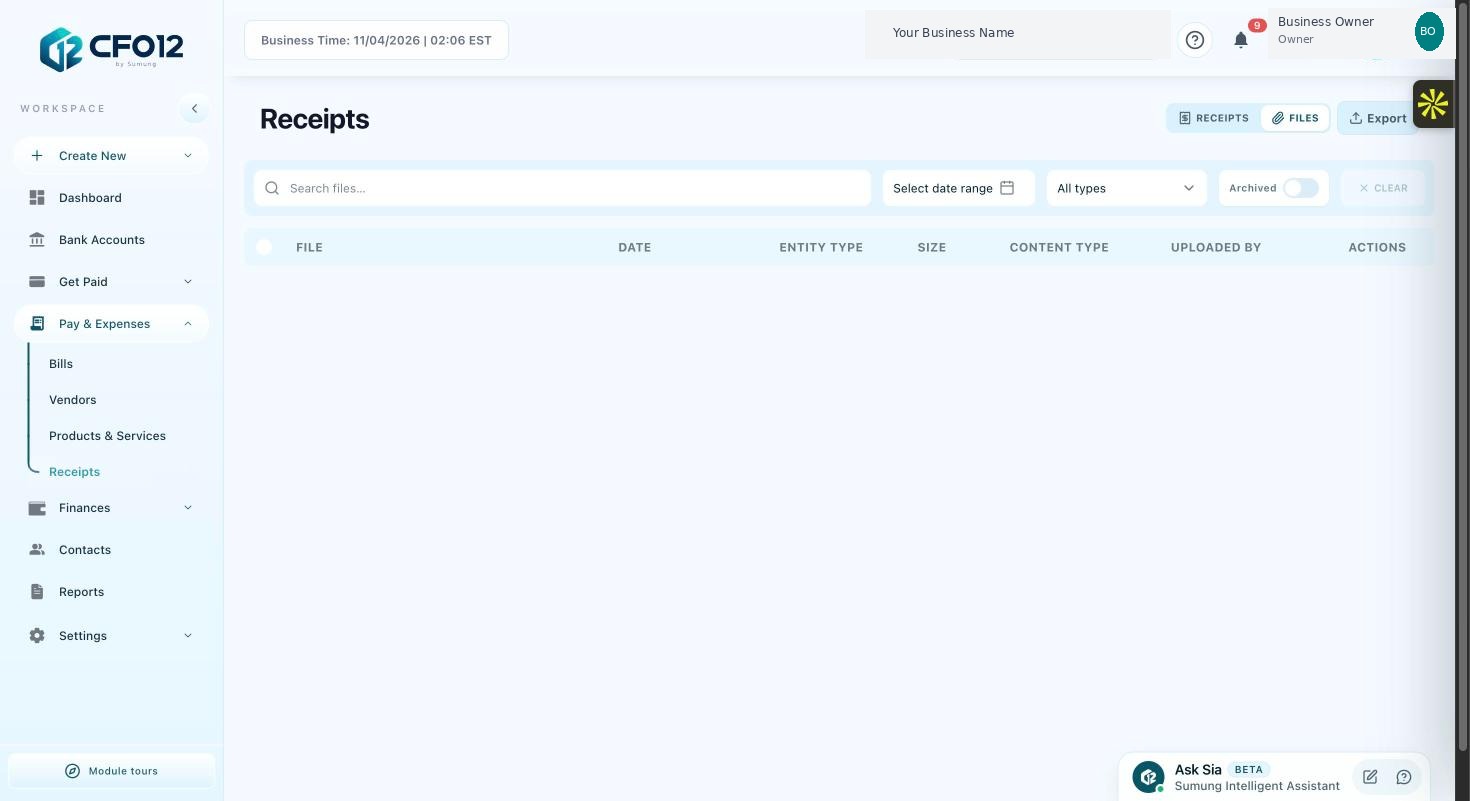
What You Can Do
- Go to Pay & Expenses > Receipts in the left sidebar.
- Use the Select date range filter and the All types dropdown to view specific subsets of receipts.
- Use the FILES tab to manage uploaded documents separately.
- CFO12 provides tools to help you keep your receipt records organised.
💡 A well-organised receipts section makes expense review easier.
Related Articles
- How to Archive a Receipt
- How to Filter Receipts by Date Range
- How to Filter Receipts by Type
Was this article helpful?
Your feedback helps us improve our documentation.