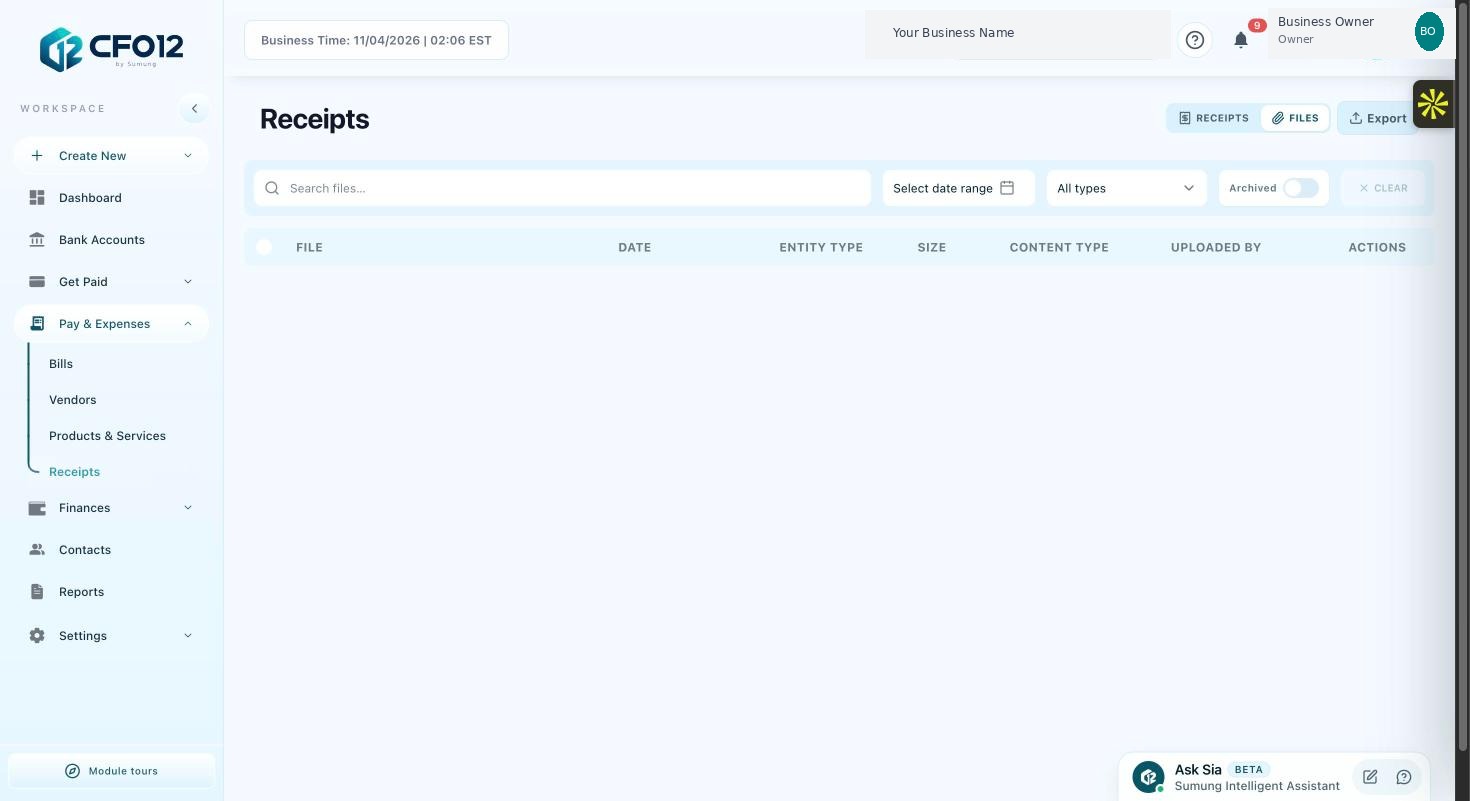
Use filters on the Receipts page to locate any receipt fast.
What You Can Do
- Go to Pay & Expenses > Receipts in the left sidebar.
- Click Select date range to filter by date, or click All types to filter by content type.
- Click Clear to remove all active filters and return to the full receipts list.
💡 Keeping your receipts organised makes them easier to find later.
Related Articles
Was this article helpful?
Your feedback helps us improve our documentation.