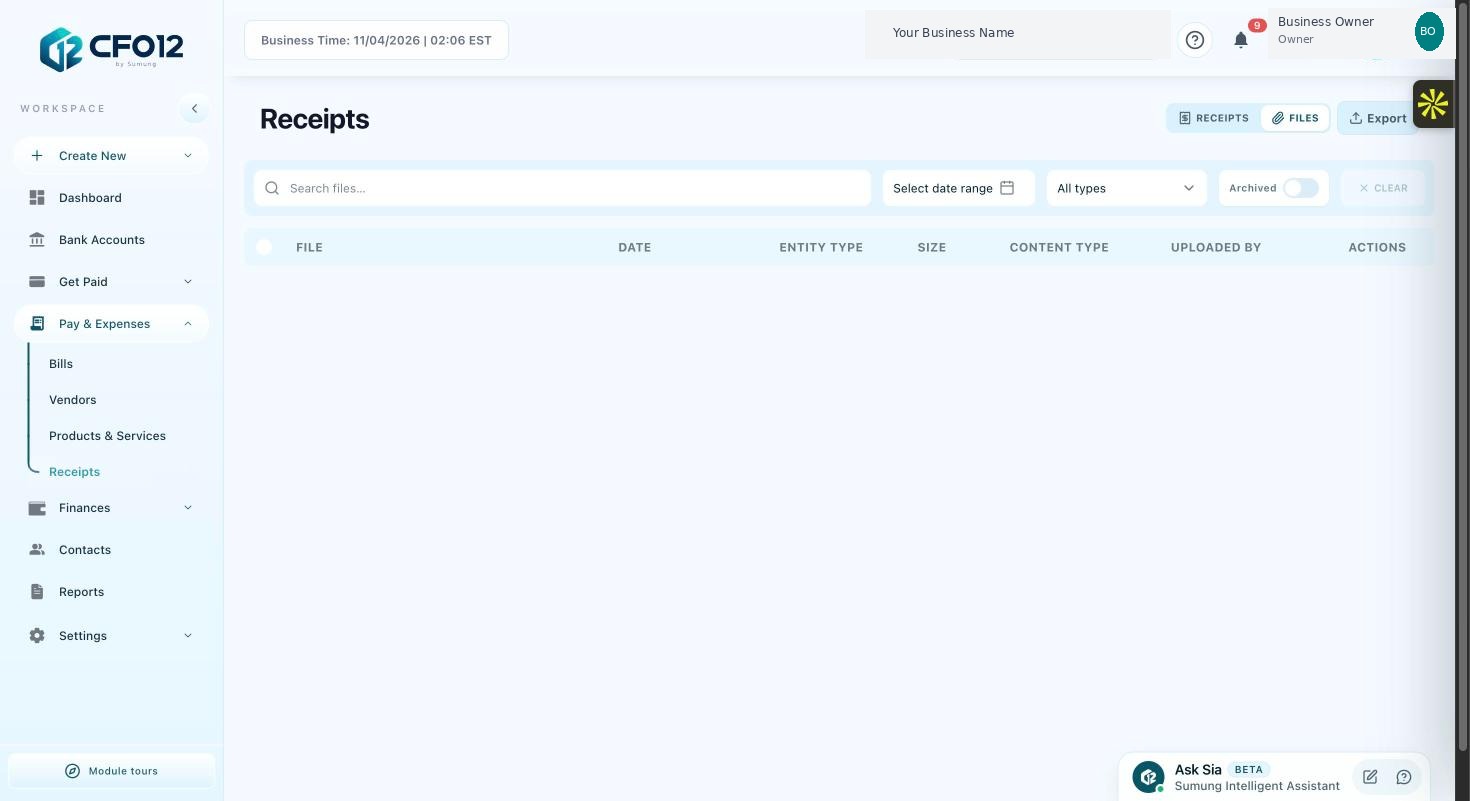
The Receipts section is accessible directly from the Pay & Expenses menu in the sidebar.
What You Can Do
- In the left sidebar, click Pay & Expenses to expand the section.
- Click Receipts.
- The Receipts page opens showing the RECEIPTS and FILES tabs.
- You can also access Receipts via Create New > New Receipt from anywhere in CFO12.
💡 Pinning your most-used sections at the top of your workflow reduces navigation time.
Related Articles
- Overview of the Pay & Expenses Section
- How to Create a New Receipt
- What Is a Receipt in CFO12?
Was this article helpful?
Your feedback helps us improve our documentation.