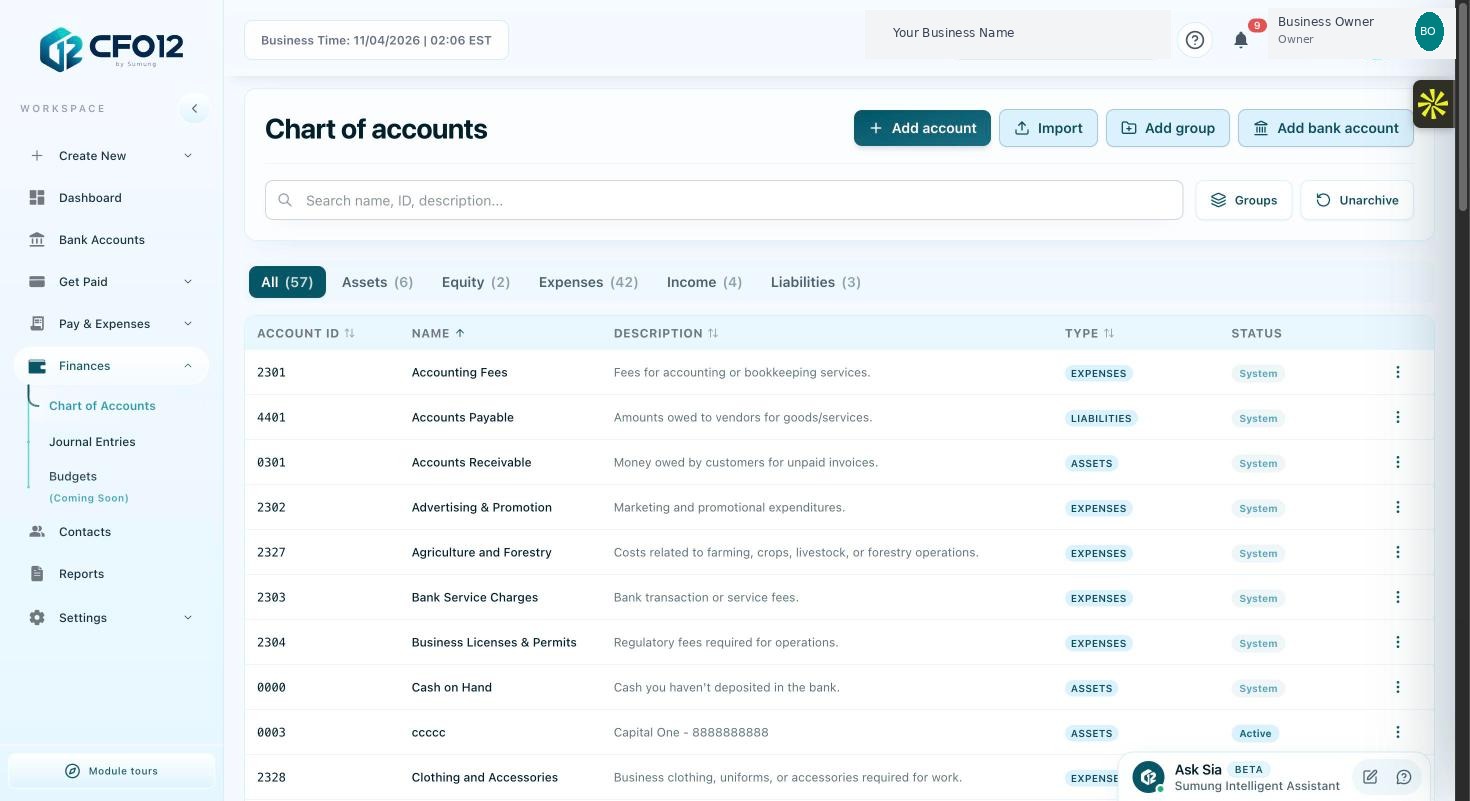
Each account in the Chart of Accounts has a unique Account ID for reference and organisation.
What You Can Do
- Go to Finances > Chart of Accounts.
- The Account ID column shows a numeric identifier for each account.
- Account IDs help identify accounts in reports and imports.
- You can assign a custom Account ID when adding a new account.
💡 Consistent account code numbering within each account type makes the COA easier to navigate.
Related Articles
- How to Add a New Account
- How to View All Accounts
- Overview of the Chart of Accounts
Was this article helpful?
Your feedback helps us improve our documentation.