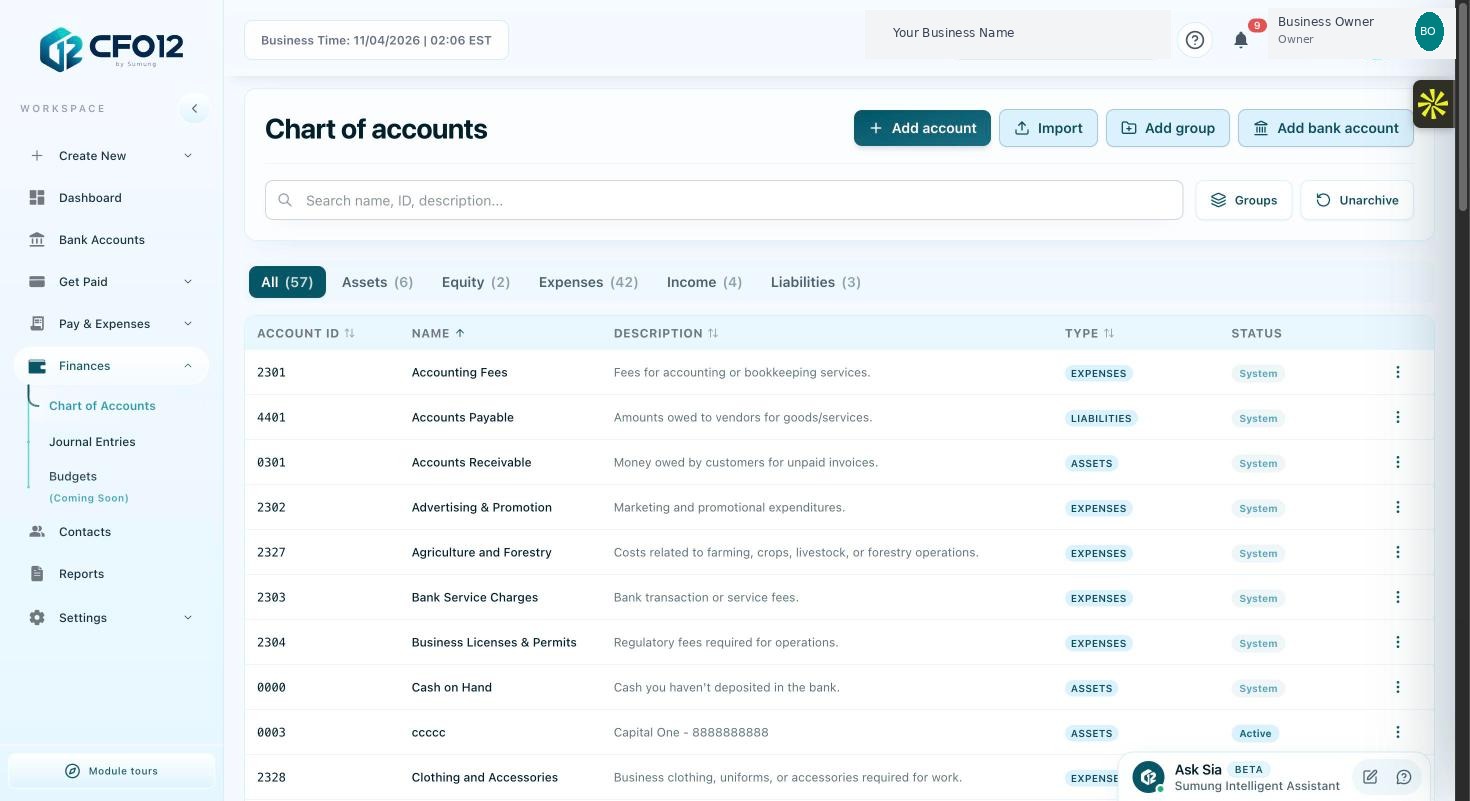
CFO12 includes pre-built payroll expense accounts in the Chart of Accounts so you can categorise payroll-related bank transactions.
What You Can Do
- Go to Finances > Chart of Accounts.
- Navigate to expense accounts in the Chart of Accounts.
- Scroll through the list to find accounts that start with Payroll.
- Review the name of each payroll account to understand its intended use.
- Use the appropriate payroll account when categorising payroll-related bank transactions.
💡 Using separate payroll accounts gives you a detailed breakdown of payroll costs in your Profit and Loss report.
Related Articles
- What Are Expense Accounts?
- How to Categorise a Bank Transaction
- How to View the Profit & Loss Report
Was this article helpful?
Your feedback helps us improve our documentation.