Archived accounts are removed from active use but their transaction history is preserved.
What You Can Do
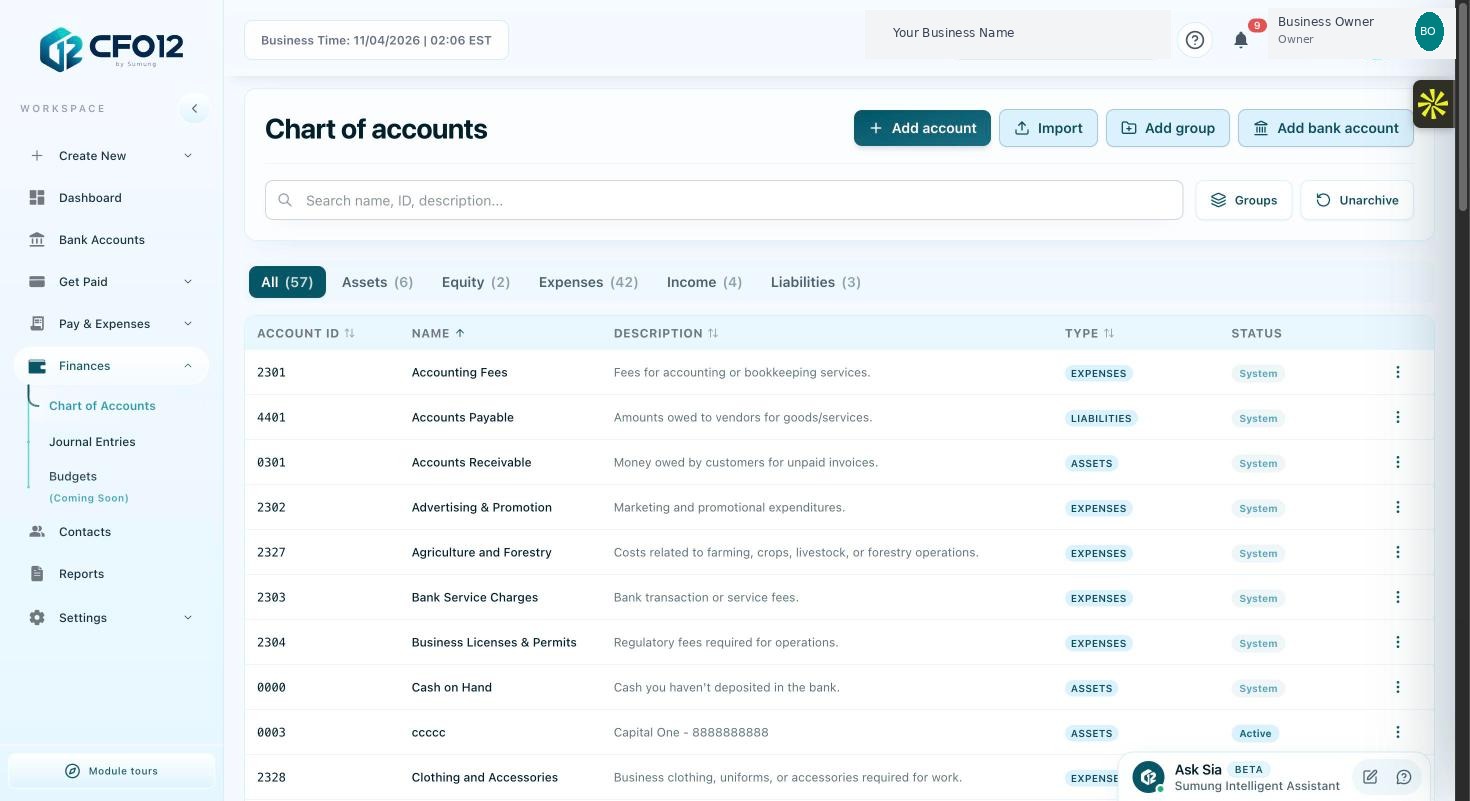
- Go to Finances > Chart of Accounts.
- Open the archived accounts view.
- The archived accounts are displayed.
- Click an account to view its details or restore it to active use.
💡 System accounts cannot be archived — only custom accounts can be archived.
Related Articles
Was this article helpful?
Your feedback helps us improve our documentation.