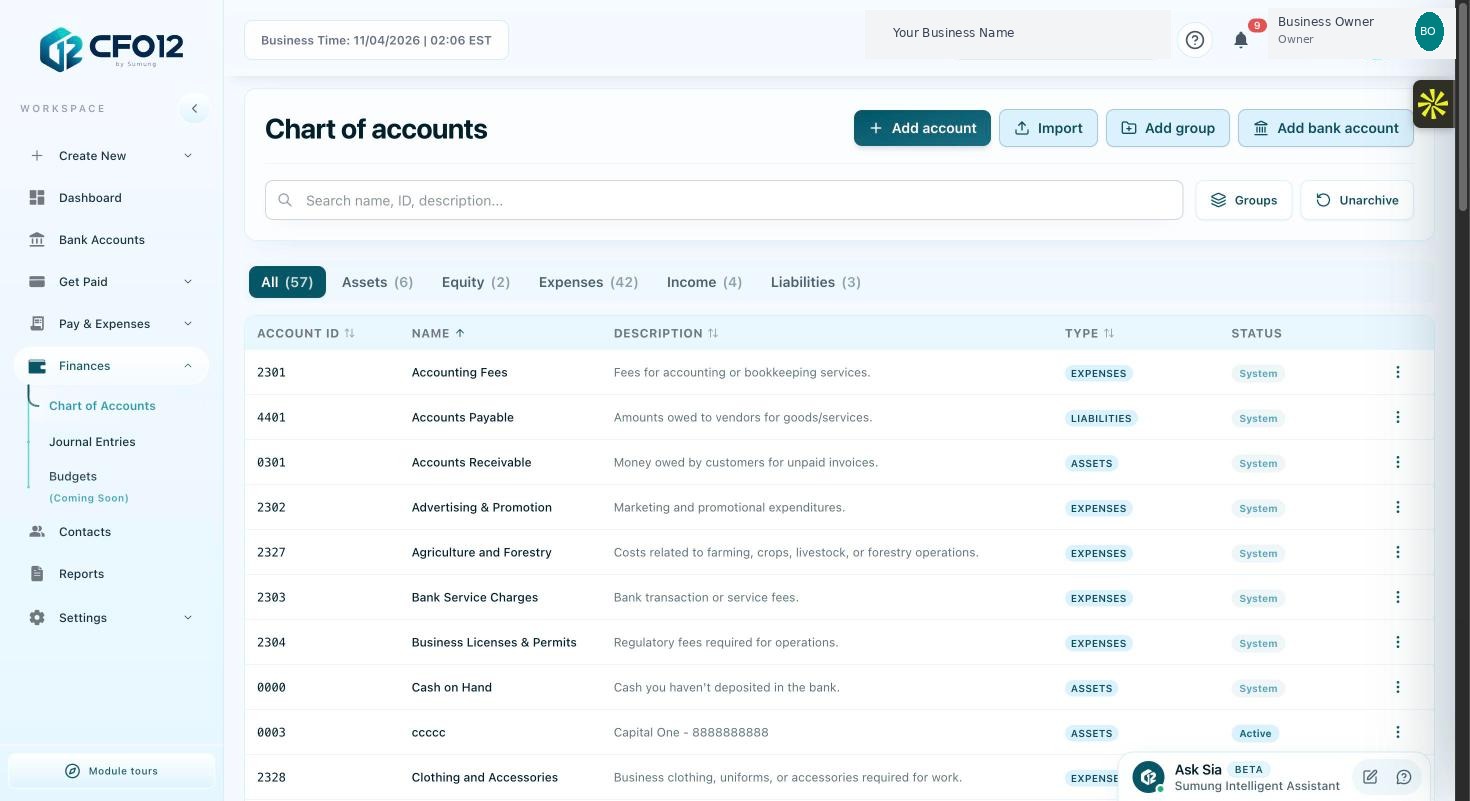
Every financial report in CFO12 is built from transactions linked to accounts in the Chart of Accounts.
What You Can Do
- Assign every transaction (invoice, bill, bank transaction, journal entry) to the correct account.
- Income accounts feed into the Profit & Loss under the Income section.
- Expense accounts feed into the Profit & Loss under the Expenses section.
- Asset, Liability, and Equity accounts appear on the Balance Sheet.
- The General Ledger shows all transactions by account.
💡 Clean, consistent account assignments are the foundation of accurate financial reporting.
Related Articles
- How to View the Profit & Loss Report
- How to View the Balance Sheet Report
- How to View the General Ledger Report
Was this article helpful?
Your feedback helps us improve our documentation.