Assign the correct expense account on every bill line item to accurately track your spending.
What You Can Do
- On each bill line item, select the appropriate expense account from the CATEGORY / ACCOUNT field.
- Common expense accounts cover facilities, travel, technology, payroll, and other business costs.
- Correctly assigned expenses appear in the Profit & Loss report under the right category.
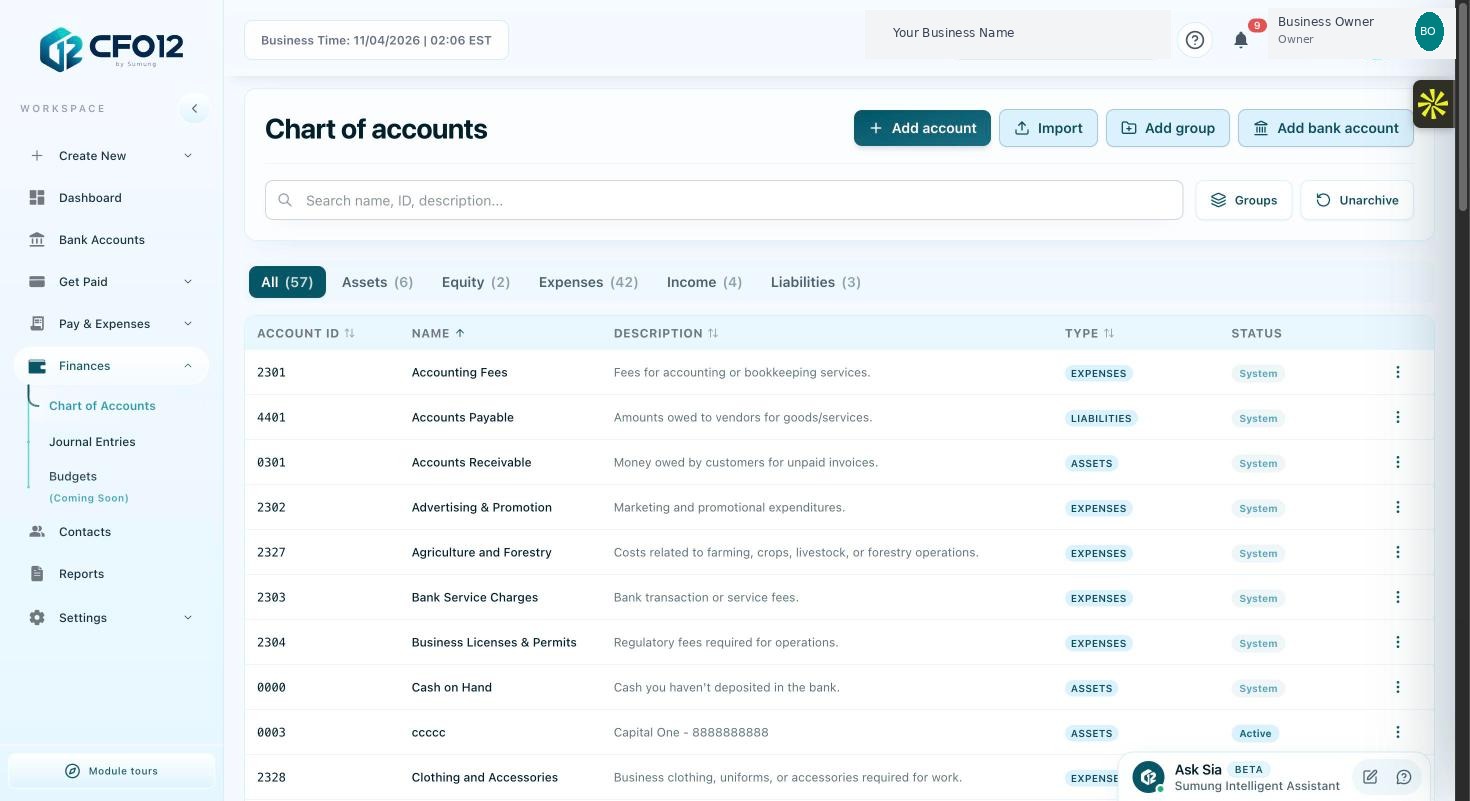
- Review the Expenses section of your Chart of Accounts to see all available expense accounts.
💡 Using specific expense accounts (e.g., Travel Expense vs. Entertainment) gives you better spending insights.
Related Articles
- What Are Expense Accounts?
- How to Add Line Items to a Bill
- How to View the Profit & Loss Report
Was this article helpful?
Your feedback helps us improve our documentation.