Income and expense accounts link transactions on invoices and bills to your Chart of Accounts.
What You Can Do
- On an invoice line item, the INCOME ACCOUNT field links the sale to an income account.
- On a bill line item, the CATEGORY / ACCOUNT field links the expense to an expense account.
- These links ensure every sales and purchase transaction is recorded correctly in your financial reports.
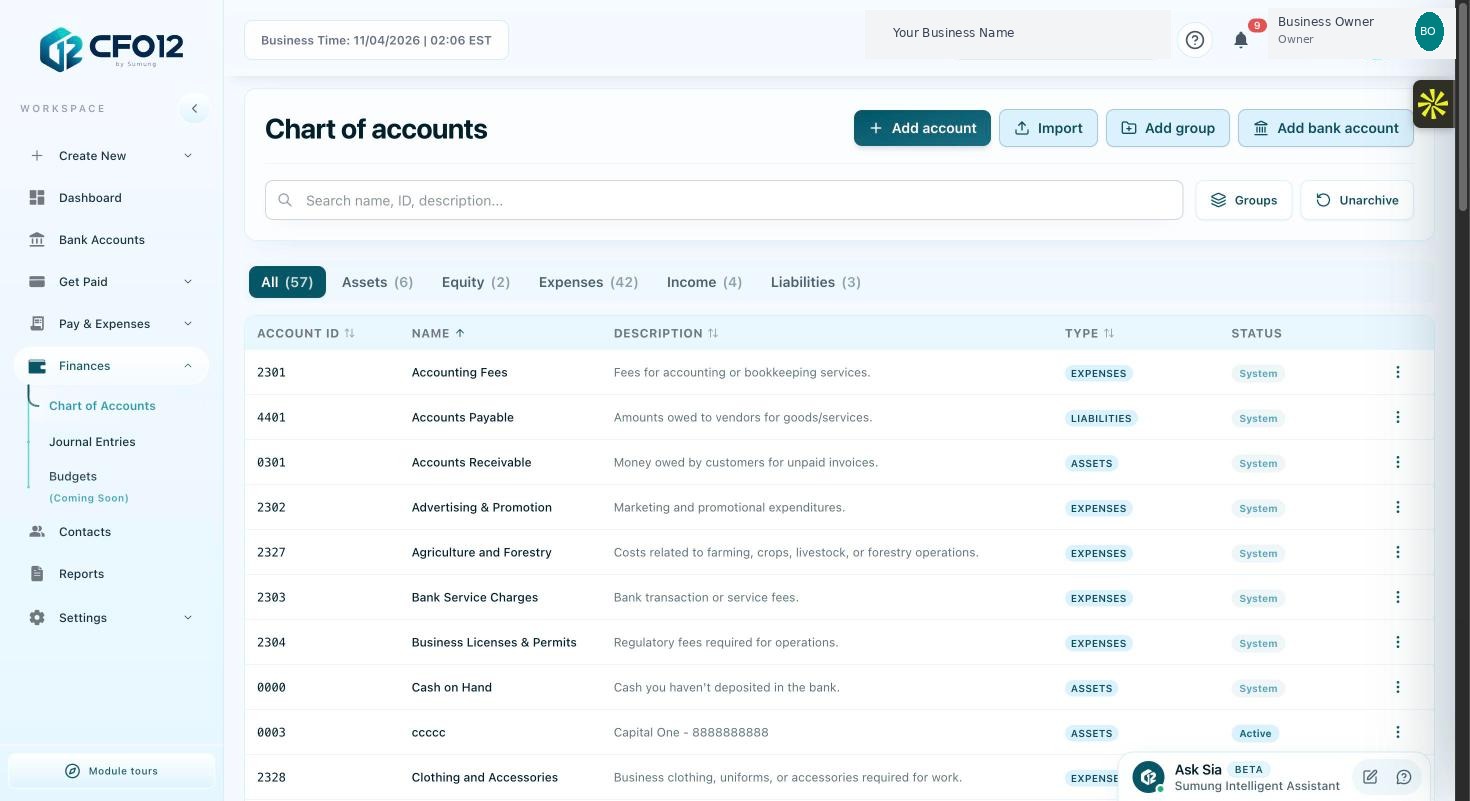
- Review your Chart of Accounts to know which accounts are available for selection.
💡 Consistent account assignments on invoices and bills produce reliable Profit & Loss reports.
Related Articles
- How to Add Line Items to an Invoice
- How to Add Line Items to a Bill
- What Are Income Accounts?
Was this article helpful?
Your feedback helps us improve our documentation.