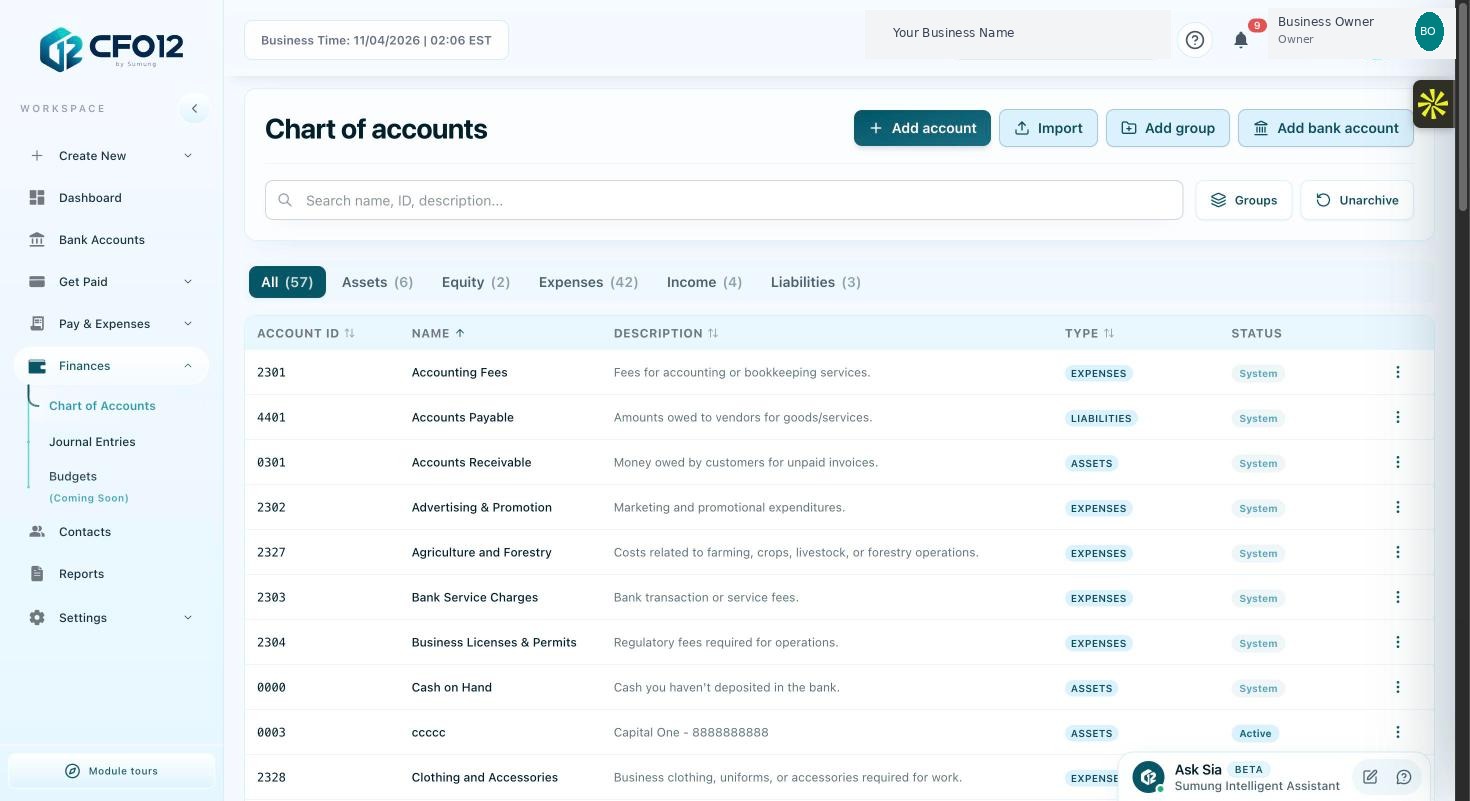
In the Chart of Accounts, accounts are either pre-built system accounts or custom accounts you have created.
What You Can Do
- Go to Finances > Chart of Accounts.
- Pre-built system accounts are provided by CFO12. Custom accounts are ones you have created.
- System accounts cannot be deleted or archived.
- Active accounts can be archived when no longer needed.
- Archived accounts no longer appear in transaction dropdowns.
💡 Understanding account status helps you know which accounts can be modified or archived.
Related Articles
Was this article helpful?
Your feedback helps us improve our documentation.