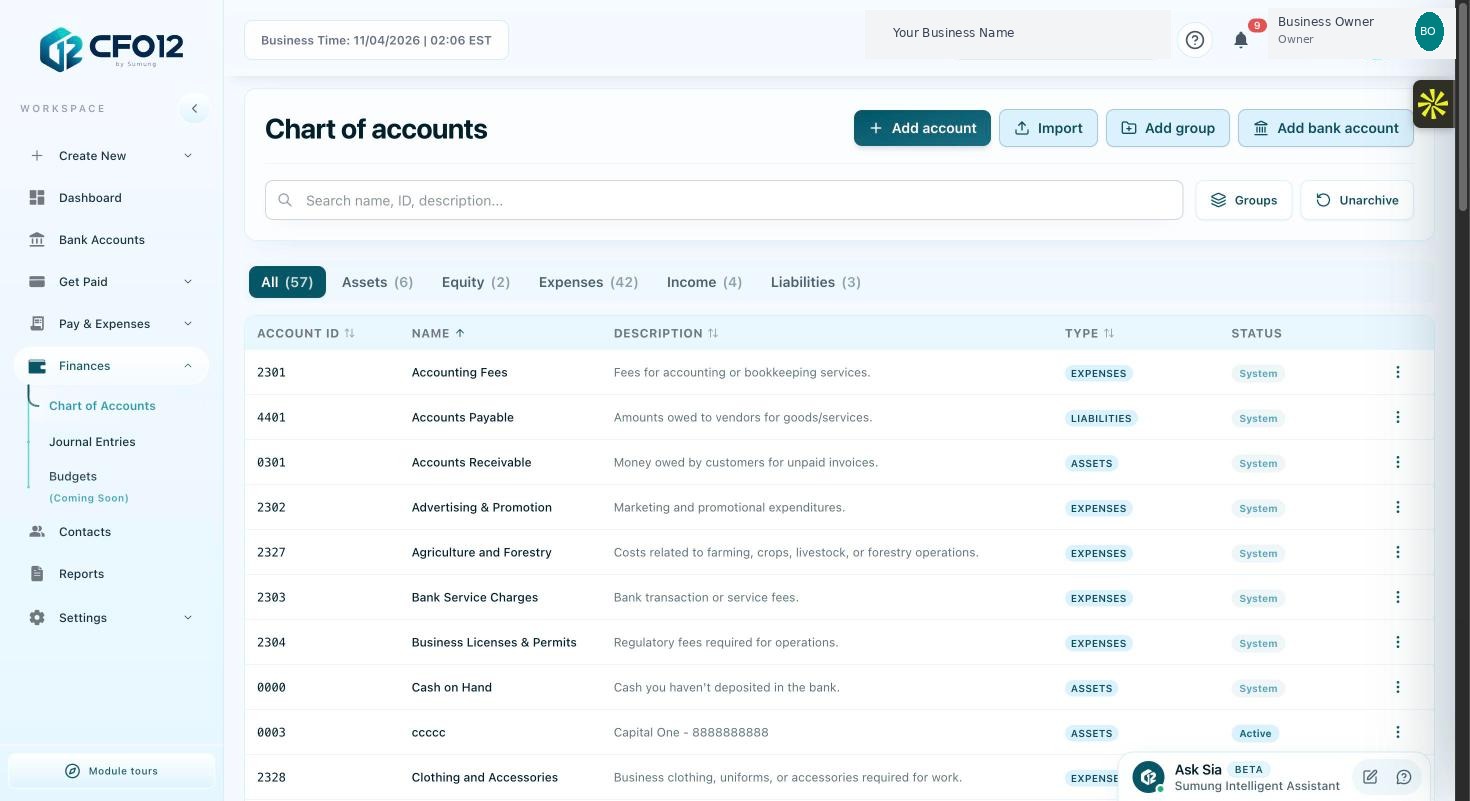
Use the Chart of Accounts page to quickly locate an account by its name.
What You Can Do
- Go to Finances > Chart of Accounts.
- Browse the list to find the account you need.
- Scroll through the list to find the account by name.
- Navigate by account type to focus on the relevant section.
- Find the account name in the Name column.
💡 If you cannot find the account you need, it may need to be added as a custom account.
Related Articles
- How to Add a New Account
- How to Filter Accounts by Type
- How to View All Accounts
Was this article helpful?
Your feedback helps us improve our documentation.