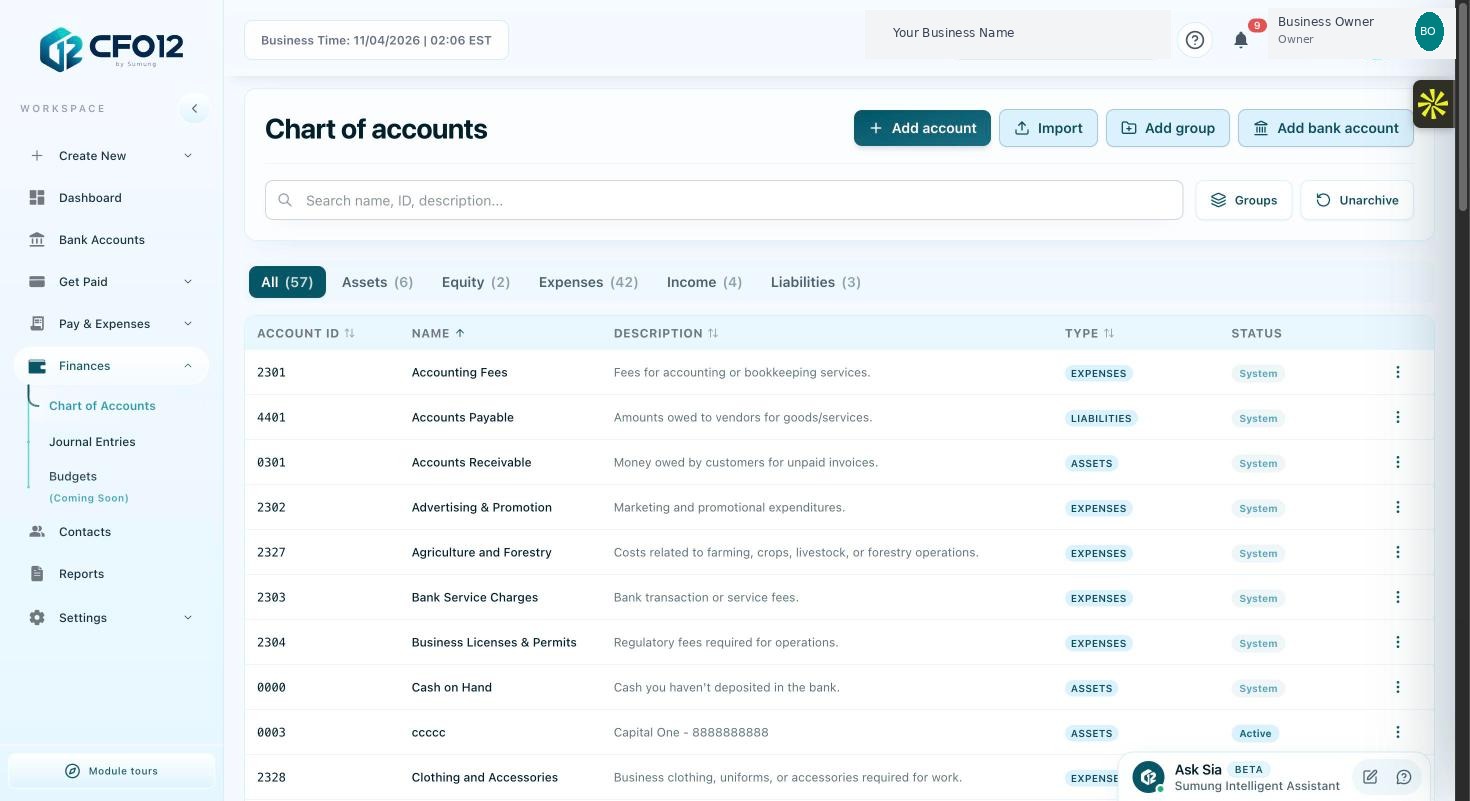
You can update the details of an existing account in the Chart of Accounts. This is useful when you need to correct an account name or update its settings.
What You Can Do
- Go to Finances > Chart of Accounts.
- Find the account you want to update.
- Click the edit action in the Actions column for that account.
- Update the account details as needed.
- Save your changes.
💡 System accounts may have limited editing options compared to custom accounts. If the edit option is not available, the account may be a system account.
Related Articles
Was this article helpful?
Your feedback helps us improve our documentation.